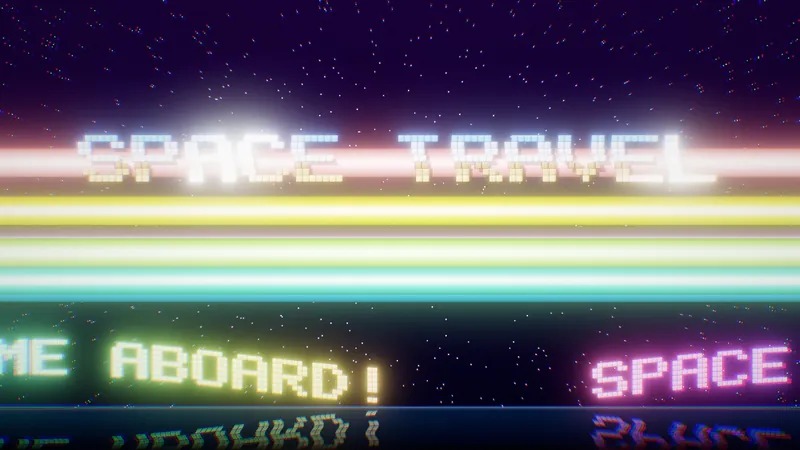
Space Travel
A real-time demoscene-style journey through fifteen procedural space scenes, with interactive explainers.

Living style guide
The building blocks of bytejuggler.com. It is derived from the logo and banner: graphite isometric blocks, juggled blue cubes and a clean light field. There is a dark Lab variant for the AI experiments.
01 · Brand
The bj mark is three graphite isometric blocks forming the letters, with three blue cubes being juggled above them. On the web the wordmark is set in live text (Outfit 600), so it stays sharp and adapts to the theme. The raster lockup is for email and print only.
Badge · light
Badge · dark / Lab
 bytejuggler.comsmall software projects & coding experiments
Header lockup · HTML
Raster lockup · email/print

Key visual · also used for the social card (og-image.jpg)
02 · Colour
Colours are sampled from the logo and banner. Components only use semantic tokens (--c-*), so switching to the dark/Lab theme just re-maps them.
--bj-ink #14171c#1f2329#2a2e33#5e6470 · muted text#a3a8b1#e2e4e8#f3f4f6#ffffff#10b8f8 · cube top#0a82fe#0057f7 · links, buttons#0047d4 · hover#e6f0ff · soft fill--bj-cube-gradient#07070d#0e1022#262b4f#4fd9ff#a58bff#ff8fd2#ffcf7a--lab-gradient| Token | Light | Dark / Lab | Use |
|---|---|---|---|
--c-bg | Paper | Lab bg | Page background |
--c-bg-alt | Mist | #0b0c18 | Alternate sections, footer |
--c-surface | Paper | Lab panel | Cards, lists |
--c-text / --c-text-muted | Ink / Graphite 500 | #d8dbea / #9aa0c0 | Body copy / secondary text |
--c-accent | Blue 600 | Lab cyan | Links, primary buttons, focus |
--c-border | Line | Lab line | Hairlines, card borders |
Contrast: Ink on Paper 18.0:1 · Graphite 500 on Paper 5.9:1 · Blue 600 on Paper 5.7:1 · Lab text on Lab bg 14.6:1 · Lab dim on Lab bg 7.8:1. All pass WCAG AA for body text.
03 · Typography
All fonts are self-hosted variable WOFF2 files under the SIL Open Font License. No external requests.
Display · Outfit
Aa Bb 123
Geometric sans that echoes the wordmark. Headings, nav, buttons.
Body · Inter
Aa Bb 123
Highly legible UI sans for paragraphs, tables and captions.
Code · JetBrains Mono
{ } => 0x
Code, file names, version numbers, tags.
4xl · 36–493xl · 392xl · 31xl · 25lg · 20md · 16xs · 14Prose sample
The old Indigo gallery used a small ShowImg.php script to look up each render by ID. In the new site every image is a plain static file. A lightbox handles the viewing, and every image keeps a deep link.
Shameless note to all of you kind users of my plugins with some spare time…
Kicker + accent bar
Lab · Experiment 01
Fifteen procedural space scenes, five minutes, one tracker tune.
04 · Spacing & shape
Everything sits on a 4 px grid. Corners are sharp or nearly sharp, like the isometric blocks. Use depth sparingly: mostly hairlines, with shadow only on interaction.
Spacing scale
Radius & shadow
The banner's 30° slabs are recreated as inline SVG (decor-slabs partial), coloured by tokens, so they follow the theme and weigh about 2 KB instead of a large PNG. Small screens show a reduced set.
Hero · light
Section divider
05 · Components
Buttons
Badges
Tags
Breadcrumb
Cube list
06 · Cards
The whole card is clickable (title link stretched). On hover it lifts and a blue corner cube appears.
A real-time demoscene-style journey through fifteen procedural space scenes, with interactive explainers.
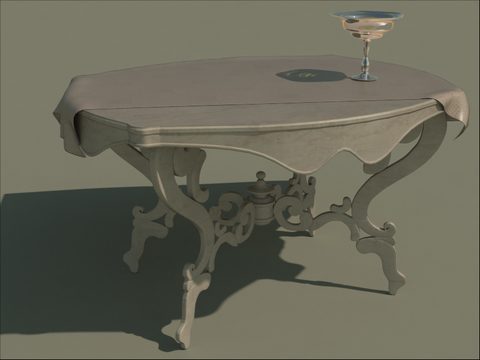
Export Cinema4D scenes to the Indigo unbiased renderer: materials, lights, depth of field.
SimpleHUD, SiloScript and Mirror Plane: small helpers for the Silo modeler, with source code.
07 · Content blocks
Note
Indigo 0.6 test 1 XML format is supported. For the old 0.4 format use version 0.58.2.
Heads up
Java applets no longer run in modern browsers. See the HTML5 ports in the Lab.
From the archive
This page dates from 2006. Downloads are kept for history and may not work with current software.
data = File.open( path + "/" + source, 'rb').read
out = Base64.encode64(data)
outFile = File.new( path + "/" + File.basename(source) + ".html", "w" )
Placeholder slot (not public yet)
08 · Downloads
The latest release is featured. Older versions collapse into a native <details> disclosure, so no JavaScript is needed.
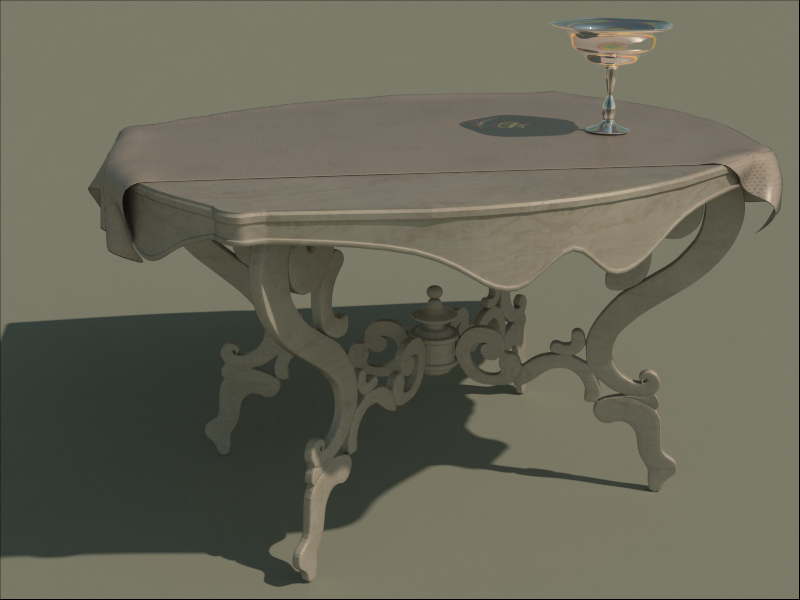
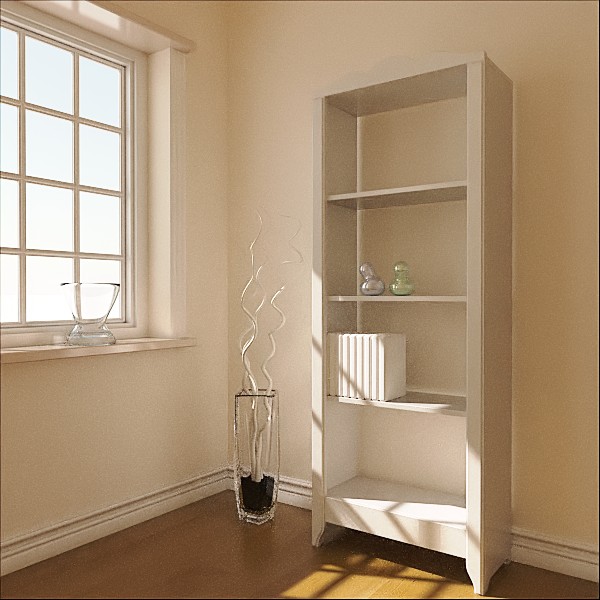
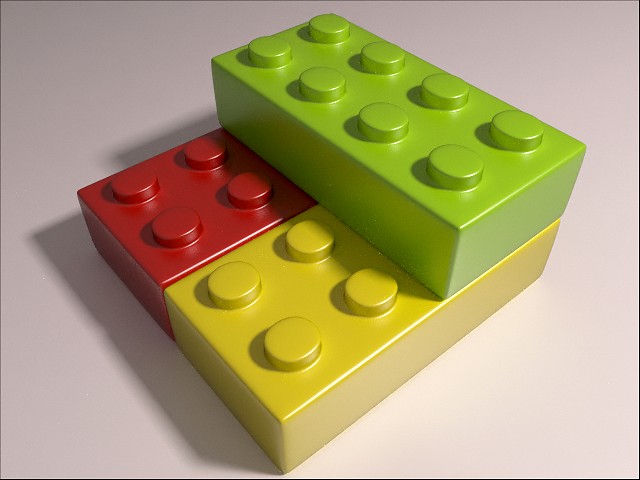
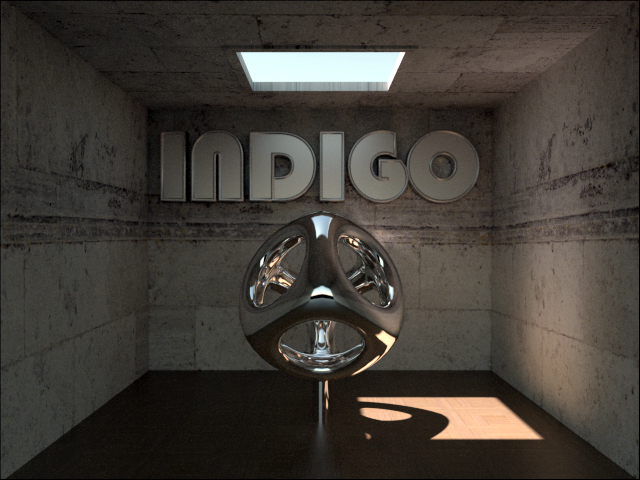
09 · Gallery
It replaces ShowImg.php and the pop-up windows. Each image has an id for deep links (e.g. #indoor-scene). The lightbox uses the native <dialog>; without JavaScript the links simply open the full image.
10 · Lab theme
The /lab/ section is always dark (theme: lab in front matter). It shares its palette with the Space Travel explainers, so moving between the site and the demo pages feels seamless.
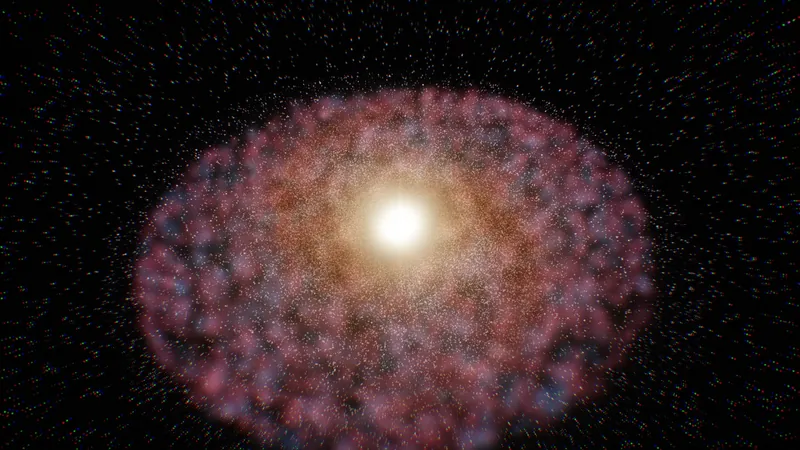

An accretion disc bent around the event horizon.
Explainer top bar
A 44 px bar injected at the top of each untouched explainer page. It links back to the site without changing the demo's own styling.
11 · AI badges
Pages and sections built with AI are marked openly, using the two badges in AIBadges/. Every AI page gets a hex badge in the top-right corner, and smaller elements get a text chip. All of them link to the explanation on the About page.
Made by AI
The code or content was written by AI. BlackLizard set the direction and design, and reviewed the result. Example: Space Travel ("Direction & design: blacklizard · Code: Claude"), the explainers, the HTML5 ports of the Java effects.

Made with AI
BlackLizard made it. AI helped: drafting text, refactoring, porting, debugging or editing images. Example: legacy pages rewritten from the original content, articles edited with AI.
| Where | Component | Size |
|---|---|---|
| Whole page | .ai-corner: automatic, top-right of the page (this page uses it) | 68 → 104 px |
| Section of a page | .ai-badge--md next to the section heading | 96 px |
| Feature / hero | .ai-badge--lg | 144 px |
| Cards, lists, downloads | .ai-chip / .ai-chip--with | text |
| Untouched explainer pages | chip in the Lab top bar + corner badge | chip + 68 px |
Section-level example
Lab · 03
The 1998 Java effects, ported to Canvas by AI.
How to use it in a page
<!--
title: Space Travel
theme: lab
ai: by        # by | with | none → corner badge
-->
…
<div class="card__meta">{{> ai-chip-by }}</div>On Lab / dark backgrounds
12 · Principles
Plain HTML, CSS and a small vanilla JS file. No server runtime, CDNs, trackers or cookies.
Components never hard-code colours. They reference --c-* tokens, so themes come for free.
AA contrast, visible focus rings, keyboard-friendly lightbox and menu, alt text on every render, reduced-motion support.
Old projects are marked with year and compatibility. History is kept, not hidden.
